Finding a reliable AI video narration generator that doesn't cost a dime can feel like searching for a needle in a haystack. The market is flooded with tools promising automatic video narration, but their free tiers vary wildly in quality, voice options, and export limits.
For content creators and video editors working on tight budgets, understanding what each tool actually delivers matters more than flashy marketing pages. The right video narration software can cut hours from your production workflow, while the wrong one wastes time with robotic output and watermarked exports.
If you're new to this space, our guide on what AI video narration is and how it works provides a solid foundation. This article walks you through a practical, step-by-step comparison of the best free AI video tools available right now, so you can pick the one that fits your actual needs.
Key Takeaways
- Most free AI voiceover tools limit exports to under five minutes per project.
- Voice quality varies dramatically; always test with your specific content type first.
- Scene-aware narration tools outperform basic text-to-speech for visual content.
- Watermarks and branding on free tiers can make exports unusable for professional work.
- Combining free tools strategically can replicate paid-tier functionality without spending anything.
Step 1: Identify Your Narration Needs Before Choosing a Tool
Before downloading anything, get clear on what you actually need from an AI video narration generator. A YouTube tutorial creator has completely different requirements than someone producing corporate training videos or social media reels. Tutorial creators typically need clear, paced narration that follows on-screen actions. Social media editors need punchy, energetic voiceovers that grab attention in the first two seconds. Knowing your use case narrows the field immediately.
Why Content Type Matters
The type of content you produce determines which AI features matter most. If you're making product demos or walkthroughs, you want a tool that can watch your screen content and generate contextually relevant narration, not just read a script you paste in. Video Narrator, for example, analyzes what's happening visually in your video and creates narration that matches the scene. That's fundamentally different from a text-to-speech engine that simply converts your written words into audio.
Write down your top three video types and the average length of each before evaluating any tool.
Consider language and accent requirements too. Some free tools offer only American English voices, while others provide dozens of languages and regional accents. If your audience is global, or if you produce content in multiple languages, this becomes a deciding factor quickly. The best AI voiceover tools for YouTube videos tend to prioritize language variety because YouTube's audience is inherently international.
Finally, think about integration. Do you need the narration as a separate audio file you'll sync in your editor, or do you want the tool to handle the full export? Some generators produce standalone MP3 files. Others render a complete video with narration baked in. Your existing editing workflow should dictate which approach saves you the most time.
Step 2: Compare the Top Free AI Video Narration Generators
Now that you know your requirements, let's look at the actual tools. The free tier landscape for automatic video narration changes frequently, but several platforms have maintained consistently useful free offerings throughout 2024 and into 2025. Each has distinct strengths and limitations worth understanding before you commit your workflow to any single option. For a broader look at the AI video generation space, this roundup of top AI video generator tools covers the wider ecosystem.
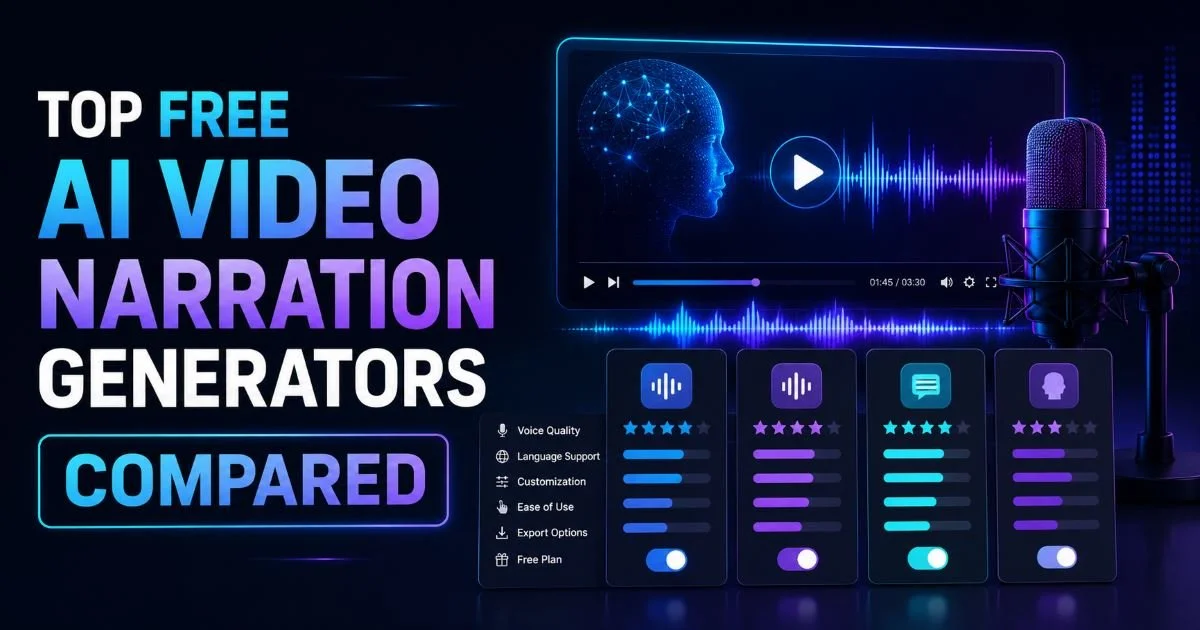
Feature Breakdown Table
Video Narrator stands out because it doesn't just convert text to speech. It watches your video, understands the visual content, and generates narration that actually describes what's happening on screen. This scene-aware approach produces far more natural results than manually scripting every line. The free tier gives you enough room to test with real projects before deciding whether to scale up.
Fliki boasts the largest voice library, which sounds impressive until you realize most of those voices are locked behind paid plans. On the free tier, you get access to maybe two dozen usable voices with a five-minute monthly cap. VEED.io offers more generous limits but stamps a watermark on every free export, which kills usability for professional content. Clipchamp, now owned by Microsoft, integrates nicely with Windows workflows but limits free text-to-speech to ten minutes monthly.
Free tier limitations change frequently. Always verify current limits on each tool's pricing page before starting a project.
The key differentiator remains whether a tool simply reads text aloud or actually understands your video content. Most tools in this comparison are sophisticated text-to-speech engines, meaning you still write every word of the script. Video Narrator's approach of analyzing visual content and generating contextual narration is a fundamentally different category. Understanding the differences between AI video narration and human voiceover helps frame why this distinction matters for production quality.
Step 3: Test Each Tool With Real Projects
Reading comparison tables is useful, but nothing replaces hands-on testing with your actual content. Pick a recent video project, ideally something representative of your typical work, and run it through at least three different tools. Don't test with a random clip; use content that reflects your real production needs. A 60-second product walkthrough or tutorial segment works perfectly for this purpose because it tests both voice quality and contextual accuracy.
What to Evaluate During Testing
Voice naturalness should be your first filter. Play the output through decent speakers or headphones and listen for robotic cadence, unnatural pauses, or mispronounced words. Modern AI voices have improved dramatically, but quality still varies between tools. Some handle technical terminology well while others stumble on industry-specific words. The technology behind AI voice cloning in video narration tools explains why some voices sound remarkably human while others still feel synthetic.
"The best free tool is the one that produces usable output for your specific content type, not the one with the longest feature list."
Timing and pacing deserve close attention too. Does the narration match the visual flow of your video? A tool that dumps narration at a constant speed regardless of what's on screen creates an awkward viewing experience. Scene-aware tools handle this better because they generate narration timed to visual transitions. Pay attention to whether you need to manually adjust timing in post-production, because that editing time adds up across dozens of videos.
Export quality rounds out your evaluation. Check the audio bitrate of exported files, look for compression artifacts, and verify that the final video resolution matches your source material. Some free tools quietly downgrade video quality during export, giving you 720p output from a 1080p source. Others add subtle audio compression that sounds fine on laptop speakers but becomes noticeable on studio monitors. Document these findings for each tool so you can make an informed final decision.
Never use a free AI narration tool for client work without first verifying its terms of service allow commercial use.
Step 4: Optimize Your Workflow With the Right Combination
Here's something most comparison articles won't tell you: the smartest approach often involves using multiple free tools together rather than relying on a single platform. Each tool has different strengths, and their free tier limitations become less restrictive when you distribute your workload across several services. This isn't about gaming the system; it's about using each tool where it performs best and accepting its limitations everywhere else.
Stacking Free Tools for Better Results
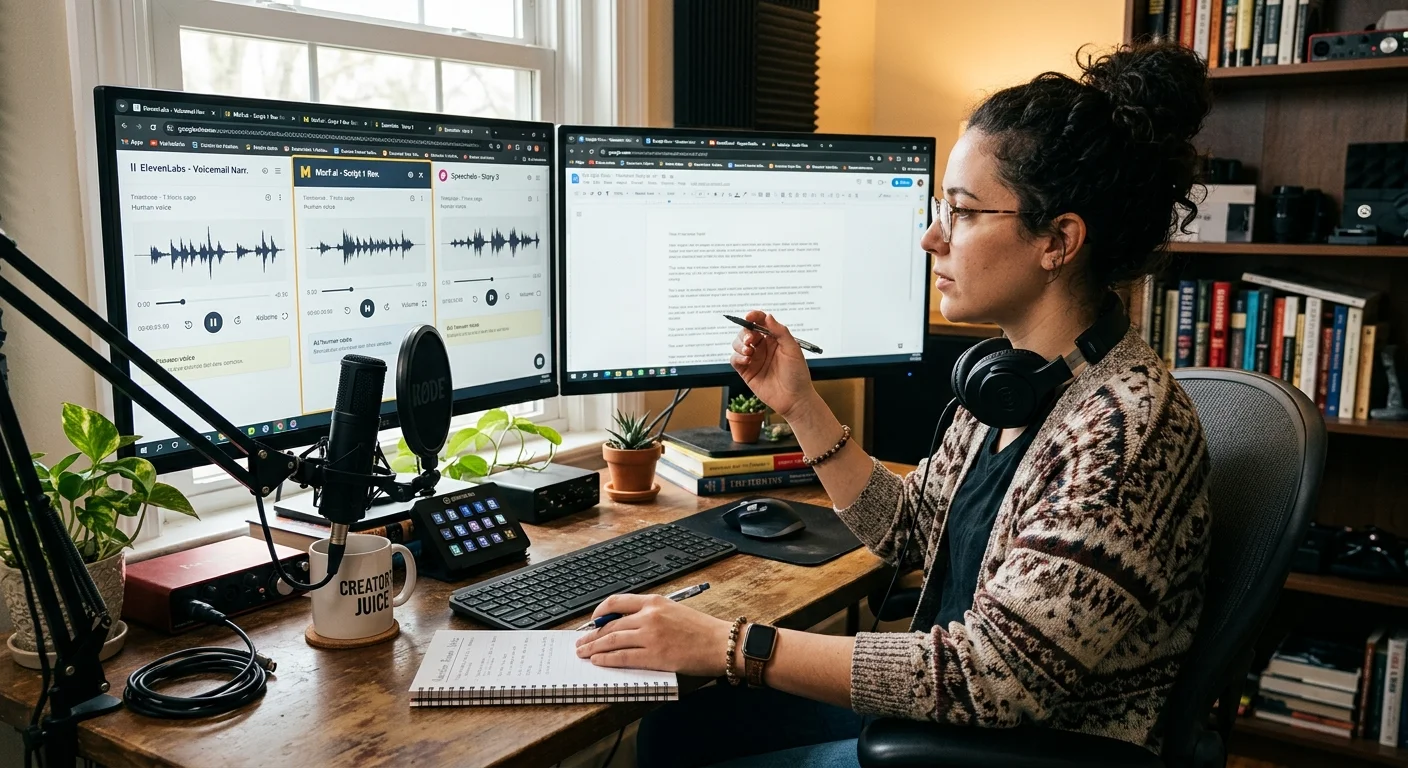
Consider a practical workflow: use Video Narrator for scene-aware narration on your primary content where visual context matters. Then use Canva's AI voice feature for simple intro and outro segments that don't require scene understanding. For longer explainer videos that exceed free tier limits, break the project into segments and process each through the tool best suited to that section. This modular approach keeps you within free limits while maintaining quality across the full video.
Create a spreadsheet tracking your monthly usage across each tool to avoid hitting limits mid-project.
Batch processing is another workflow optimization worth adopting. Instead of narrating videos one at a time as you finish editing, queue up several projects and process them in a single session. This reduces context-switching and helps you stay organized with which tool you're using for which project. Most content creators who produce more than four videos per month find that batching narration saves roughly 30% of their total production time compared to handling each video individually.
Keep a quality checklist for every narrated video before publishing. Listen to the full narration at 1x speed (not just skimming at 2x). Check that technical terms are pronounced correctly. Verify that the narration doesn't talk over important audio elements in your original footage. Confirm the tone matches your brand voice. These five checks take under three minutes per video and prevent embarrassing errors from reaching your audience. Building this habit early saves headaches as your channel or content library grows.
As your needs evolve, you'll likely reach a point where free tiers feel constraining. That's the natural progression, and it's worth planning for. The creators who transition most smoothly from free to paid tools are those who've already identified their preferred platform through thorough free-tier testing. Your testing phase isn't just about finding a free solution forever; it's about making an informed investment decision when the time comes to upgrade your AI video tools and video narration software stack.
Frequently Asked Questions
?How do I stack free AI narration tools to avoid export limits?
?Is scene-aware narration actually better than basic text-to-speech?
?Will watermarks on free tier exports ruin my professional videos?
?Do free AI voiceover tools work well for non-English content?
Final Thoughts
The free AI video narration generator landscape offers genuine value if you approach it strategically. Test tools with your real content, not demo clips. Pay attention to scene-aware capabilities, export quality, and actual usability within your editing workflow.
Combining multiple free tools can stretch your budget while maintaining professional output quality. Start testing this week with a video you've already produced, and you'll have a clear winner within a single afternoon of focused evaluation.
Disclaimer: Portions of this content may have been generated using AI tools to enhance clarity and brevity. While reviewed by a human, independent verification is encouraged.