AI video narration tools have transformed the way content creators add voiceover to their projects. Instead of booking studio time, hiring voice actors, or spending hours writing scripts from scratch, you can now upload a video and let artificial intelligence handle the heavy lifting. An AI video narration generator watches what happens on screen, understands the visual context, and produces a natural-sounding voiceover that matches the action.
Whether you're a YouTuber, corporate trainer, or social media marketer, automatic video narration software can cut your production time dramatically. The technology has matured enough that the output sounds polished, not robotic.
This guide walks you through the exact steps to add AI-generated narration to your videos, from preparation to final export.
Key Takeaways
- AI narration tools analyze visual content and generate context-aware voiceover scripts automatically.
- Preparing clean, well-structured video files before upload produces significantly better narration results.
- Most AI voiceover platforms let you customize voice tone, pacing, and language settings.
- Always review and edit AI-generated narration before publishing to catch factual or tonal errors.
- Combining scene-aware AI with manual refinement gives you professional results in a fraction of the time.
Step 1: Prepare Your Video Files for AI Processing
Good narration starts before you ever touch an AI tool. The quality of your input video directly affects how well the AI understands and describes what's happening on screen. Shaky footage, cluttered frames, and poor lighting make it harder for computer vision models to identify objects, actions, and scene transitions. Spend a few minutes reviewing your raw footage and trimming unnecessary segments before uploading.
Think about pacing as you edit. AI narration generators work best when scenes have clear visual transitions and enough screen time for the voiceover to breathe. A rapid-fire montage with 40 cuts per minute will produce choppy, disjointed narration that sounds rushed. Aim for scenes lasting at least three to five seconds each, giving the AI enough context to generate meaningful commentary about what's happening visually.
File Format and Resolution Tips
Most AI video tools accept MP4, MOV, and WebM formats. Stick with MP4 using H.264 encoding for the widest compatibility. Resolution matters too: 1080p is the sweet spot for most platforms. Uploading 4K footage works, but it increases processing time without improving narration quality since the AI analyzes semantic content, not pixel density. Keep file sizes under 2GB when possible to avoid upload timeouts.
Strip existing audio tracks if they contain background music that might confuse the AI's scene analysis.
Organize your project files into clearly labeled folders before starting. If you're working with a multi-part series, name files sequentially (episode_01.mp4, episode_02.mp4) so you can batch-process them efficiently. Some platforms support bulk uploads, and consistent naming conventions save headaches during the review stage. A little front-end discipline pays off when you're juggling dozens of narrated videos per month.
Step 2: Choose the Right AI Video Narration Tool
Not all automatic video narration platforms work the same way. Some simply convert text scripts into speech (text-to-speech tools), while others actually watch your video and generate narration based on what they see. The second category is far more powerful for creators who want hands-off automation. Tools like Video Narrator fall into this scene-aware category, analyzing visual content frame by frame and producing contextual voiceover without requiring a pre-written script.
When evaluating AI video tools, consider the underlying technology stack. Platforms that combine computer vision with large language models tend to produce more natural, descriptive narration. Look for features like multi-language support, voice customization, adjustable pacing, and the ability to export narration as separate audio files. If you plan to integrate AI narration into a larger production pipeline, check whether the tool offers an API. The best video APIs let you automate the entire process programmatically.
Comparing Tool Features
Pricing models vary widely across the market. Some tools charge per minute of processed video, while others offer monthly subscriptions with usage caps. For creators producing fewer than ten videos per month, pay-per-minute pricing often makes more sense. High-volume creators and agencies should look for flat-rate plans that include batch processing. Free tiers exist, but they typically limit output to 30 to 60 seconds, watermark the video, or restrict voice options.
Don't overlook the voice library. The best AI voiceover platforms offer dozens of voice options spanning different genders, accents, ages, and emotional tones. A tech tutorial benefits from a calm, measured voice. A sports highlight reel needs energy and excitement. Test at least three or four voices with a short sample before committing to a full project. The voice you choose shapes how your audience perceives both the content and your brand.
Some AI narration tools store uploaded videos on their servers. Review privacy policies if you're working with confidential or client material.
Step 3: Generate and Customize Your AI Voiceover
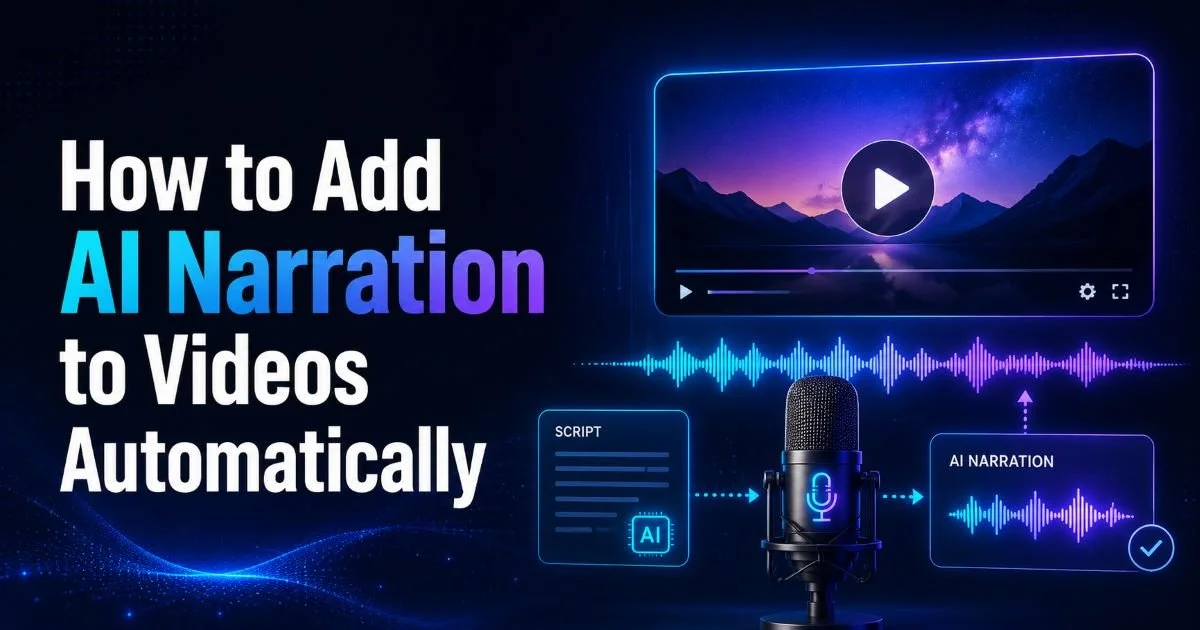
Once you've selected your tool and uploaded your video, the generation process typically takes just a few minutes. The AI analyzes each scene, identifies key visual elements (people, objects, text, environments), and writes a narration script that describes or complements the action. After the script is generated, it's converted into speech using neural voice synthesis. The result is a complete voiceover track synced to your video's timeline, ready for review.
Most platforms present the generated narration as editable text alongside a video preview. This is where your creative judgment becomes essential. Read through the script carefully, checking for accuracy, tone, and flow. The AI might describe a product demo as "a person interacting with a device" when you need it to say "the presenter demonstrates the new dashboard interface." Specific corrections like these take seconds but dramatically improve the final product's professionalism.
Fine-Tuning Voice Settings
After editing the script text, adjust the voice delivery parameters. Speed is the most impactful setting. A narration pace of 140 to 160 words per minute works well for educational content, while marketing videos often benefit from slightly faster delivery around 170 words per minute. Pitch adjustments are usually available too, letting you shift the voice slightly higher or lower to match your content's energy level without switching to a completely different voice profile.
Pay attention to pauses between sentences and scenes. Natural speech includes breathing room, and AI voices that barrel through without pauses sound mechanical. Most video narration software lets you insert custom pauses at specific timestamps. Add slightly longer pauses at scene transitions and shorter ones between related sentences within the same scene. This rhythmic variation mimics how a professional narrator would actually deliver the script in a real recording session.
"The best AI narration feels invisible. Your audience should focus on the content, not wonder whether a machine wrote the script."
Generate two versions with different voices and A/B test them with a small audience segment before full release.
Step 4: Review, Export, and Publish Your Narrated Video
The review stage separates amateur content from professional output. Watch the entire video with narration at least twice. On the first pass, focus on sync issues: does the voiceover match what's happening on screen at each moment? On the second pass, listen for awkward phrasing, mispronounced words, or tonal shifts that feel unnatural. Take notes with timestamps so you can make targeted edits rather than replaying the entire video repeatedly.
Common issues to watch for include the AI narrating over important dialogue or sound effects already present in the original video. If your footage contains interviews, background conversations, or branded audio elements, you'll need to mute the AI narration during those segments. Most platforms allow you to set "silence zones" on the timeline where the voiceover drops out, letting the original audio come through. This mixing capability is what separates video narration software from basic text-to-speech converters.
Quality Checks Before Publishing
Once you're satisfied with the narration quality, export your final video. Choose an export format that matches your distribution channel. YouTube and Vimeo handle MP4 with AAC audio well. Instagram and TikTok may require specific aspect ratios (9:16 for Stories and Reels), so verify dimensions before rendering. Export the narration as a separate audio file too, in WAV or MP3 format. Having the isolated voiceover track gives you flexibility to remix or repurpose the narration in podcasts, presentations, or future video edits.Before hitting publish, run one final check on audio levels. The narration should sit between negative 6 dB and negative 3 dB, with background music (if any) at least 15 dB lower. Loudness normalization tools built into most editors can handle this automatically. Consistent audio levels across your videos build viewer trust and reduce the chance that people skip past your content because the voiceover is too quiet, too loud, or fighting with background elements for attention.
Always preview on both speakers and headphones. Audio that sounds balanced on studio monitors can clip or distort through earbuds.
Frequently Asked Questions
?How long should each scene be for AI narration to work well?
?Does uploading 4K footage produce better AI narration than 1080p?
?How much production time can AI narration realistically save?
?Should I remove background music before uploading to an AI narration tool?
Final Thoughts
Adding AI narration to your videos is no longer experimental; it's a practical, reliable workflow that saves real time and money. The four steps outlined here, preparing your files, choosing the right tool, customizing the output, and reviewing before export, form a repeatable process you can apply to any project.
AI video tools will keep improving, but the fundamentals of good narration remain the same: clarity, accuracy, and respect for your audience's attention. Start with a short test video, refine your settings, and build from there.
Disclaimer: Portions of this content may have been generated using AI tools to enhance clarity and brevity. While reviewed by a human, independent verification is encouraged.